
Step 14
Hierarchical decomposition
Decompose Tier-1 Elements into Tier-2 Systems that inherit allocated requirements, then repeat Steps 1–13 in each child SoI.
Actions
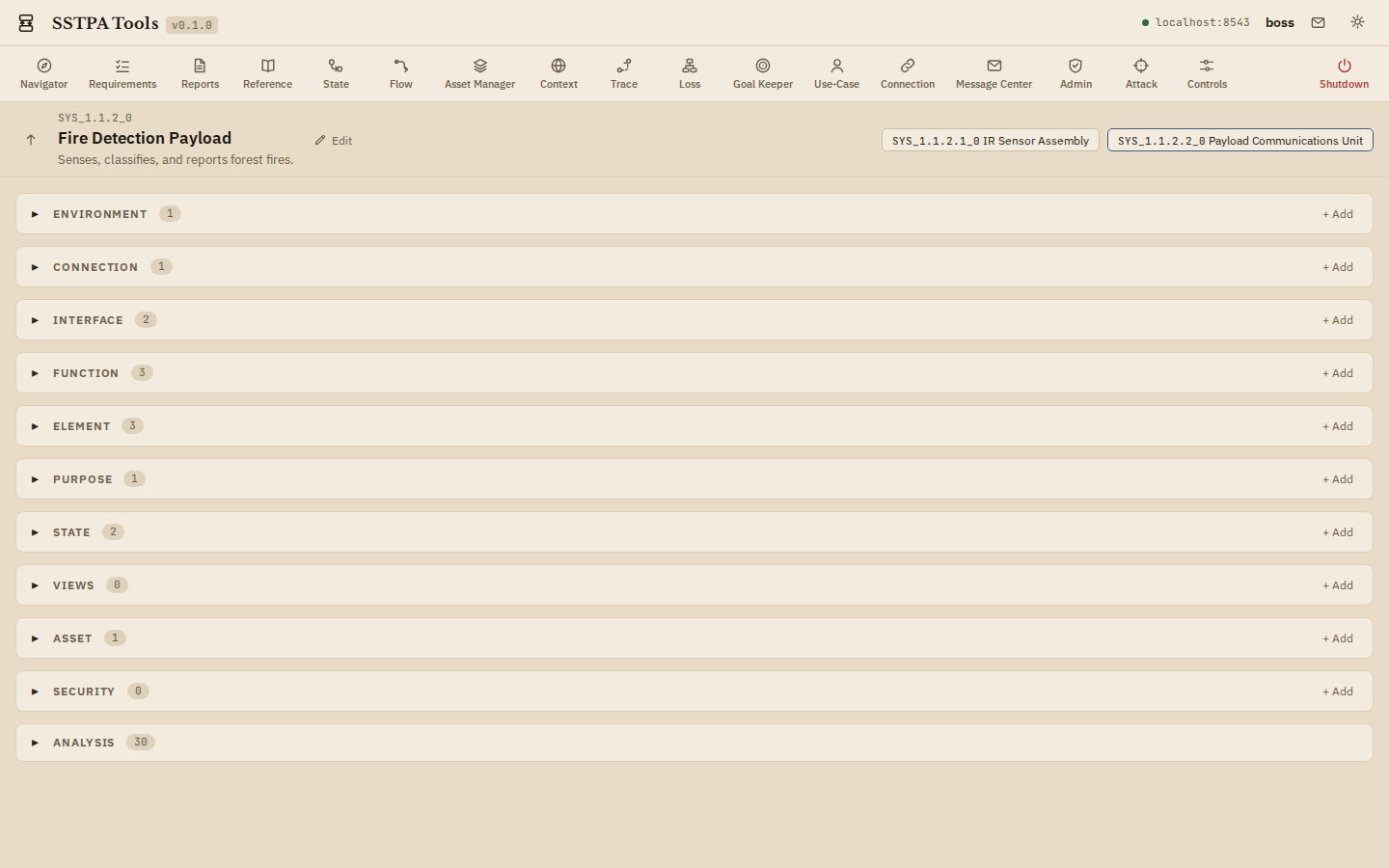
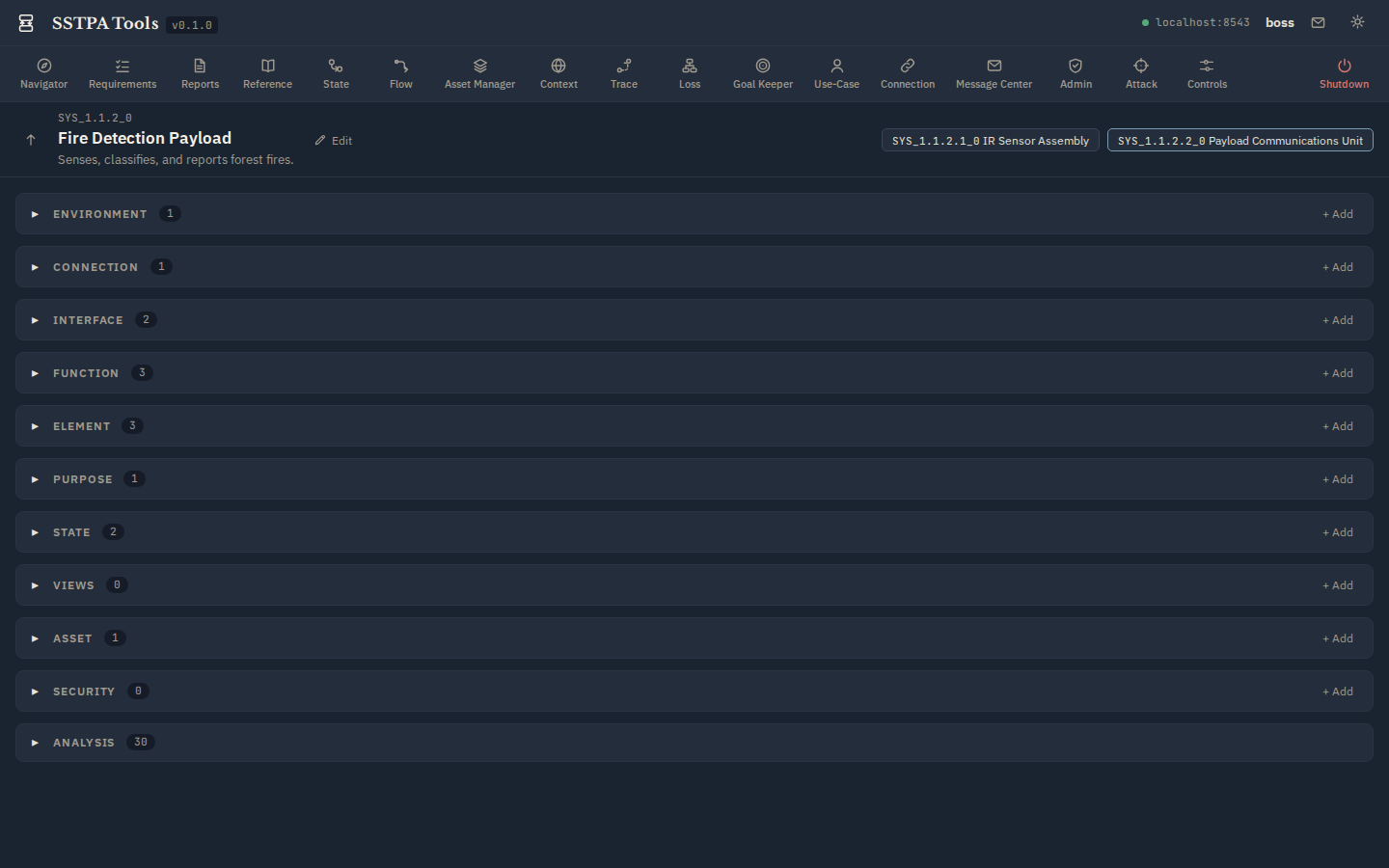
- In the GUI Main Panel / Data Drawer, create (:Component)-[:PARENTS]->(:System). System Creation Behavior instantiates the child SoI (default Purpose / Environment / State; cloned requirements under child Purpose; cloned Assets; new Loss and GsnGoal). Trace relationships are not copied—re-run Trace in the child.
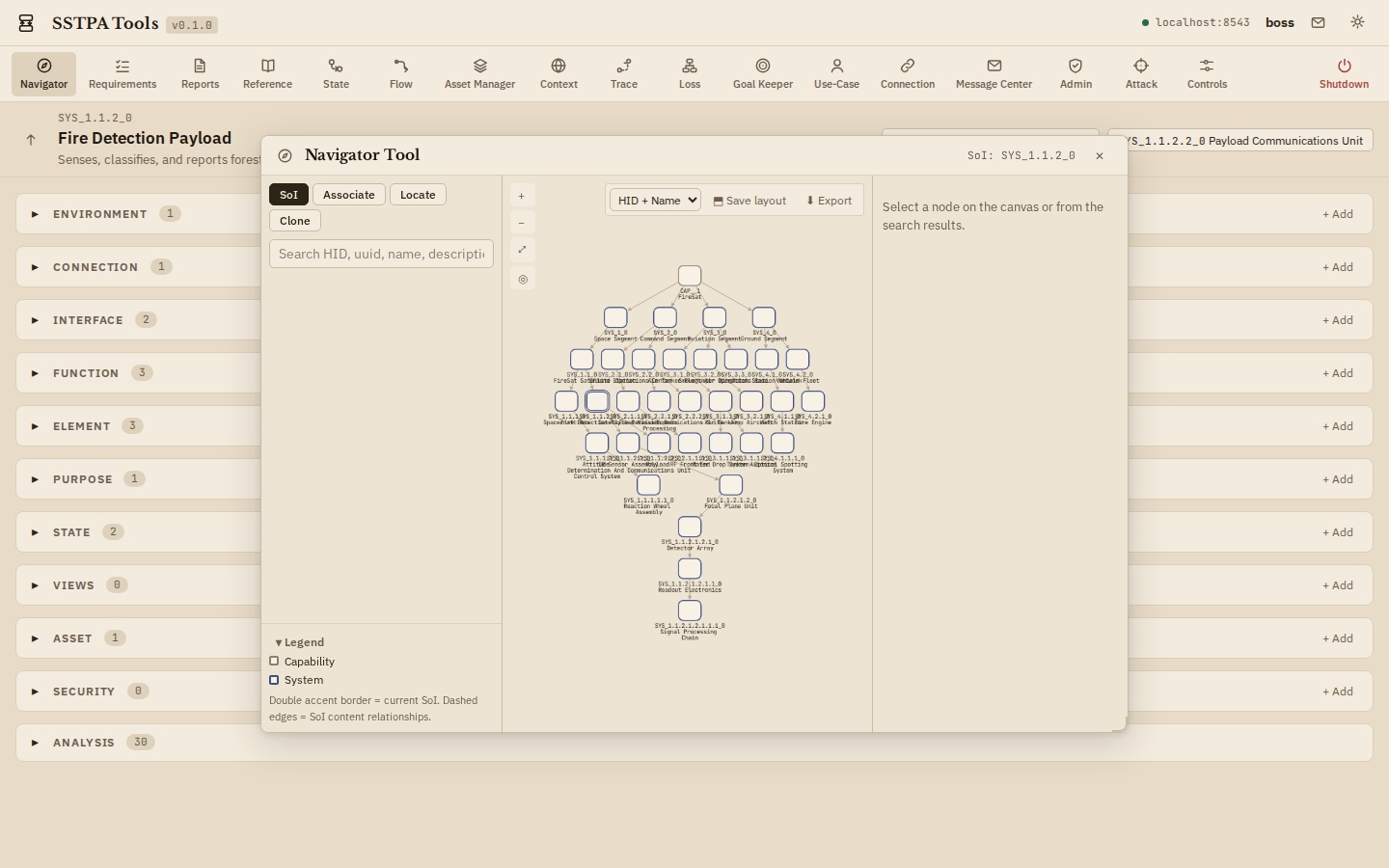
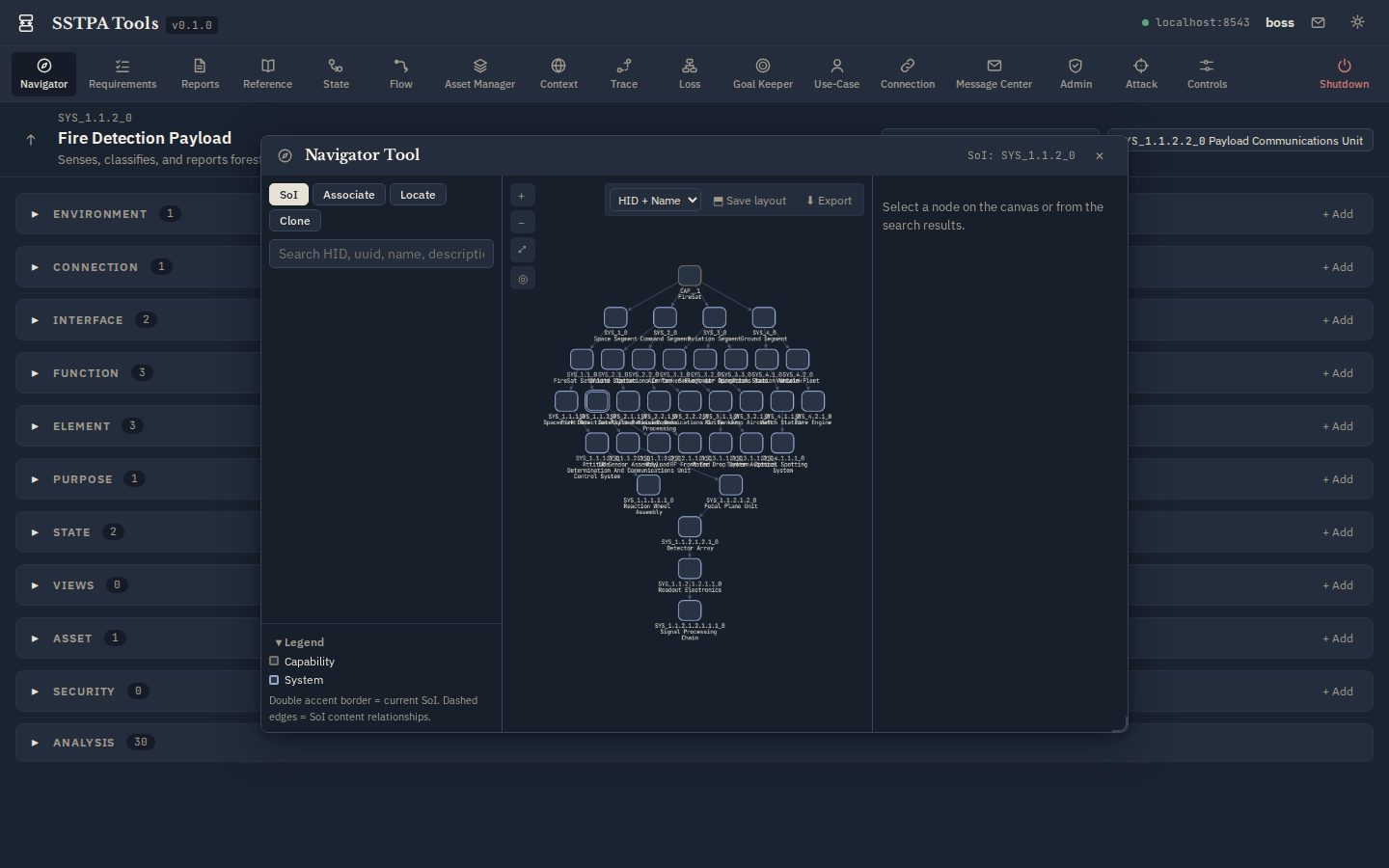
- Use Navigator to select the new SoI and visualize hierarchy.
- Repeat Steps 1–13 in the child. Maintain requirement parentage to Tier-1 and Asset parentage to Tier-1 Assets.
Light (parchment)
Dark (bluish-grey)
Light (parchment)
Dark (bluish-grey)
Outer loop. Step 14 → Steps 1–13 for each child System → Step 14 again, until realization grain is reached.